Why Workout Earbuds Keep Dropping Connection Mid-Run, and How to Actually Fix It
Quick Answer: Mid-run Bluetooth dropouts are most often caused by phone placement blocking the signal path (an armband on the opposite side from the earbud with the weaker antenna), interference from other 2.4GHz devices or crowded areas, or a low-battery earbud struggling to maintain a stable connection — checking phone placement relative to the earbuds and keeping both devices updated and charged resolves the issue in most cases without needing new hardware.
Dropouts feel random in the moment, but they usually trace back to one of a small handful of identifiable, fixable causes.

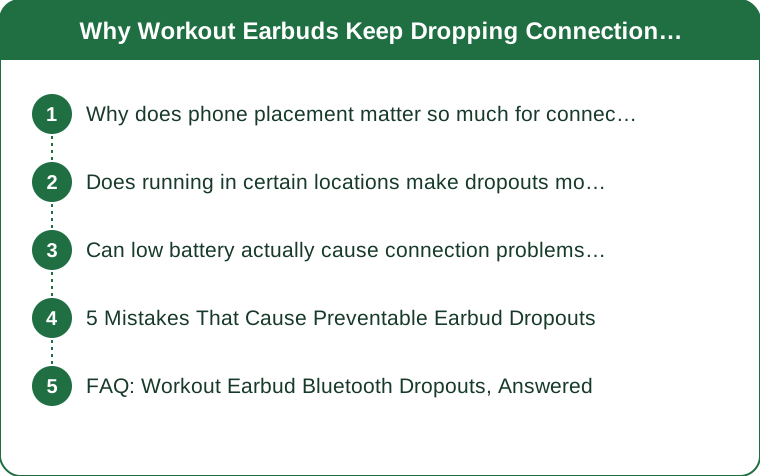
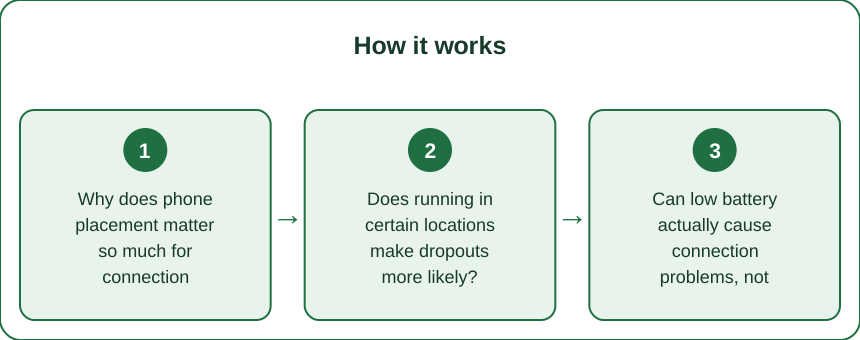
Why does phone placement matter so much for connection stability?
Bluetooth signal strength weakens significantly when the body itself is directly between the phone and the earbud, so a phone worn on the opposite hip or arm from a dropping earbud is physically blocking part of the signal path with every stride, which is one of the most common and easily fixed causes of running-specific dropouts.
Does running in certain locations make dropouts more likely?
Yes — crowded areas with many other Bluetooth and WiFi devices (busy gyms, dense urban areas) create more 2.4GHz interference, which can cause more frequent dropouts compared to running in a less device-dense environment, even with the exact same earbuds and phone.

Can low battery actually cause connection problems, not just shorter listening time?
Yes — as earbud battery gets low, some models reduce transmission power or become less consistent at maintaining a stable connection, which can show up as intermittent dropping before the battery is low enough to just shut off entirely.
5 Mistakes That Cause Preventable Earbud Dropouts
1. Wearing the phone on the side opposite a known weaker-antenna earbud. 2. Running with outdated earbud or phone firmware. 3. Starting a run with earbuds below 20% battery. 4. Keeping other Bluetooth devices actively paired and competing for connection. 5. Ignoring a persistent one-side dropout pattern instead of testing which earbud is actually the problem.
FAQ: Workout Earbud Bluetooth Dropouts, Answered
Does switching from Bluetooth to a wired connection eliminate this problem entirely?
Yes, wired connections don’t have this interference issue at all, though most workout earbuds today are wireless for practical reasons, making the placement and interference fixes more relevant.
Is it worth trying a firmware update before assuming the earbuds are defective?
Yes, checking for and installing available firmware updates through the earbud’s companion app resolves many connection stability issues that feel like hardware problems but are actually software-related.
Does a phone case affect Bluetooth signal strength?
Bulkier cases with metal components can modestly interfere with signal strength, though this is usually a smaller factor compared to body-blocking placement and general interference.
TL;DR:
- Phone placement relative to the body is one of the most common causes of mid-run dropouts
- Crowded, device-dense areas increase 2.4GHz interference and dropout frequency
- Low earbud battery can cause intermittent connection problems before full shutoff
- Firmware updates resolve many dropout issues that seem like hardware defects
Most mid-run Bluetooth dropouts trace back to a fixable cause — checking phone placement and keeping firmware updated solves the majority of cases without buying new earbuds.
Keep Reading
This article is for general informational and styling purposes only. Fit, sizing, and product availability may vary.